
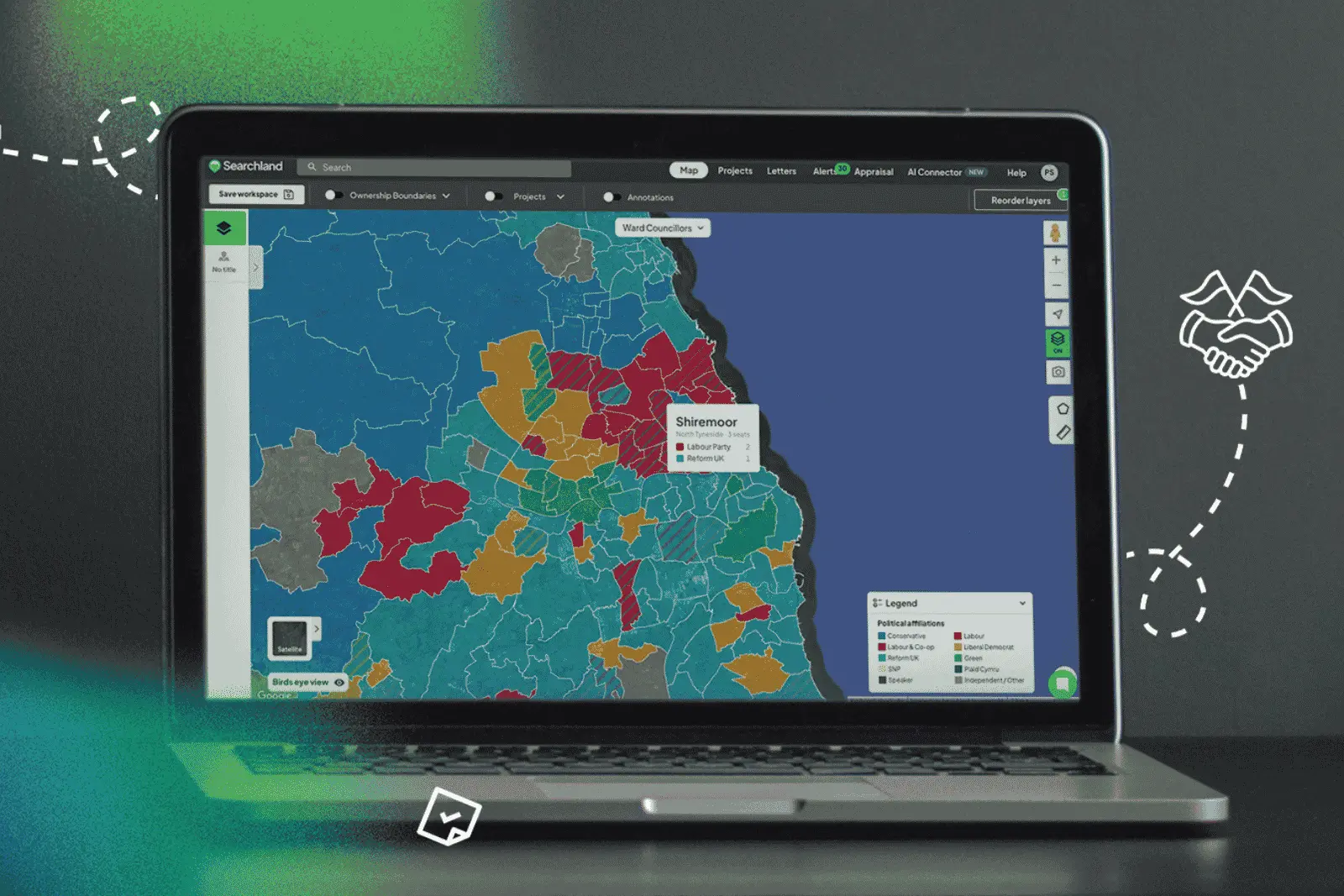


If a planning application is large enough, there's a good chance it won't be decided by an officer under delegated powers. It will go to committee - and committees are made up of elected councillors.
Councillors are supposed to be apolitical in that room. In practice, it's hard to argue that local politics and the mood of the community play no part. The priorities of a council leaning one way on housing delivery, green belt release or renewable energy can look very different from one leaning the other.
That context matters when you're sourcing land and submitting applications. Two sites can look identical on constraints, ownership and policy - and still face very different journeys through committee. Until now, building that political picture meant piecing it together manually from election results scattered across government websites.
Introducing the Political Affiliations layer
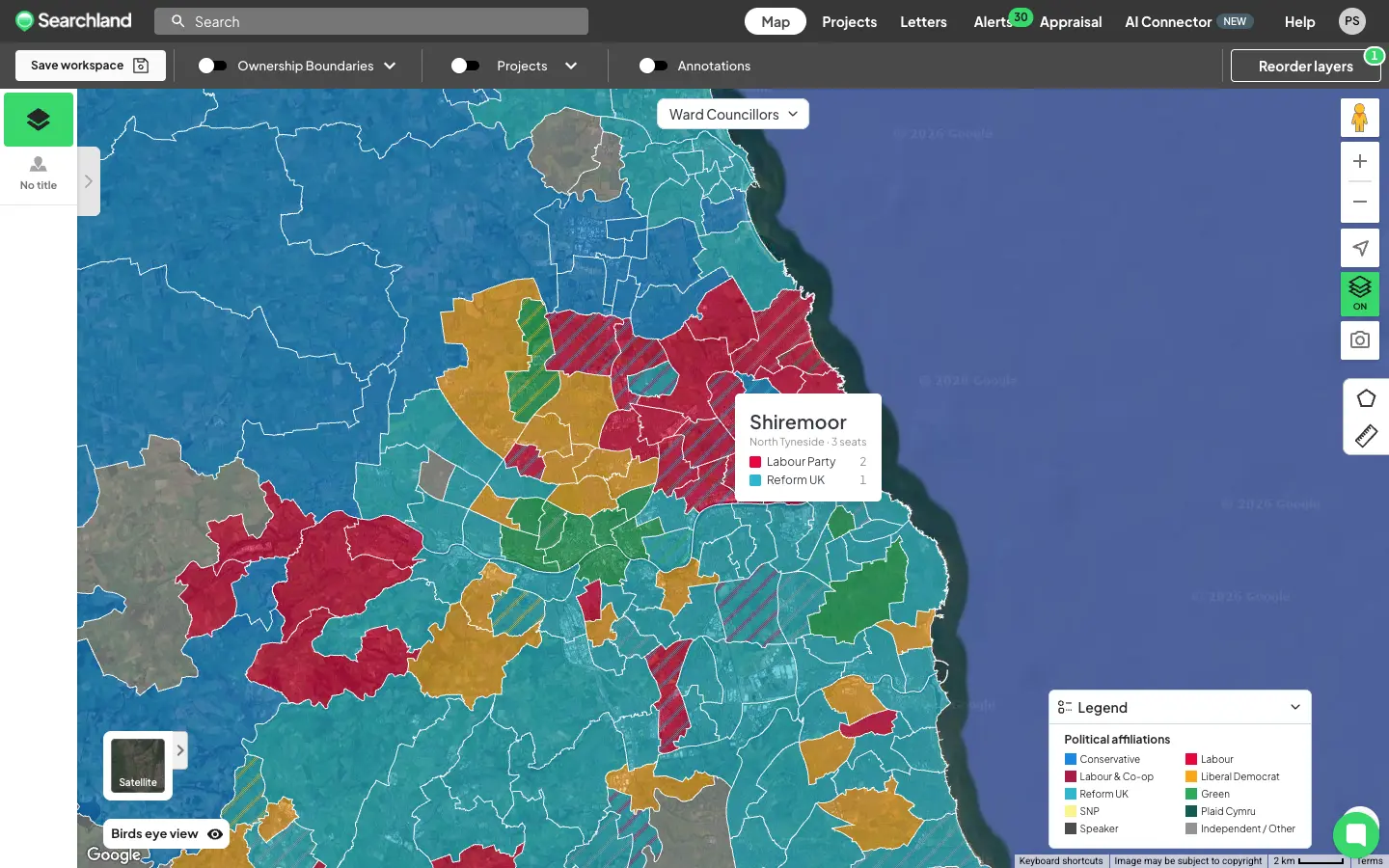
We've added a new map layer showing the latest elected political party across three levels of UK geography:
- MPs by constituency - the sitting Member of Parliament for every constituency
- Councillors by ward - the latest councillors elected to the local council
- Councillors by district - for areas operating under a two-tier system, where residents are represented both on the local council and the county council
Not every area has a district layer - cities with mayoral or other governance systems work differently, and county and local councils are responsible for different services. Where the two-tier system exists, you'll see both.
Coverage spans England, Wales and Scotland. The data comes from a trusted provider and reflects the latest election results.
How to access it
You'll find Political Affiliations under the Boundaries dropdown in the Control Centre. Turning it on activates the MPs by constituency view first - switch to ward or district councillors using the dropdown at the top of the map, near the area selector.
Hover over any area to see the breakdown of parties within it.
It's not just a map layer:
- Titles overview - every title now includes a widget showing all the parties associated with it
- Sourcing - filter for titles that do or don't overlap with certain parties. Search for MP party, Ward councillor party or District party in your sourcing criteria
Why it changes how you assess sites
For most teams, political context surfaces late - usually when a planning consultant starts mapping out the committee landscape for a shortlisted site. By then, you've already committed time and money.
With this layer, that picture is visible the moment you load the map. Sourcing in an unfamiliar geography? You can see who represents the area at every level before you've shortlisted a single site - and even build it into your sourcing filters from the start.
It won't tell you how a committee will vote. Nothing can. But it tells you the room your application will land in - and that's context worth having on day one.
Who this is for
- Developers and land promoters - reading the political climate before committing to sites likely to need committee approval
- Sourcing and acquisitions teams - filtering opportunities by political geography at the top of the funnel
- Planning consultants - building the committee picture into early-stage advice
- Renewable energy developers - understanding local political appetite in unfamiliar areas
How often is it updated?
The data is refreshed whenever there's an election or a major boundary change - so it always reflects the latest elected representatives, rather than updating on an arbitrary schedule.
See it in your workflow
Political Affiliations is live in Searchland today. If you're on a Pro plan, open the Boundaries dropdown in the Control Centre and switch it on.
This is a Pro feature - see how it fits into your plan on pricing, or book a demo to see it in action.


